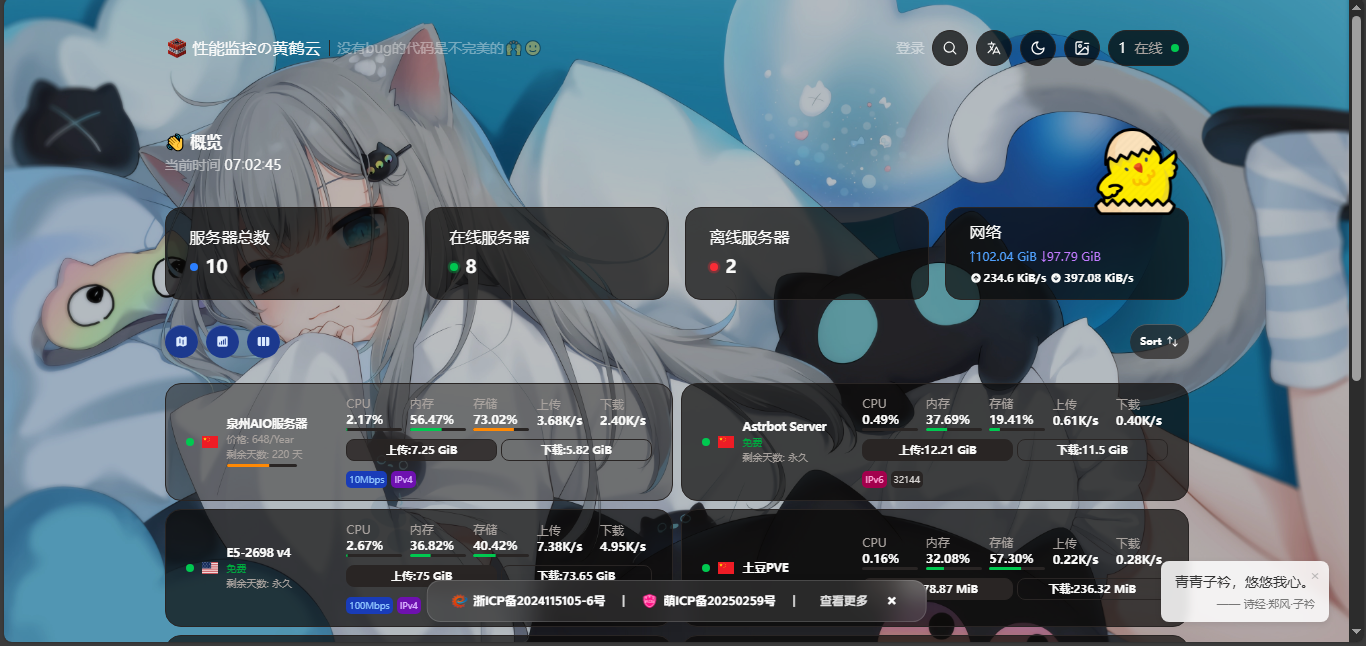

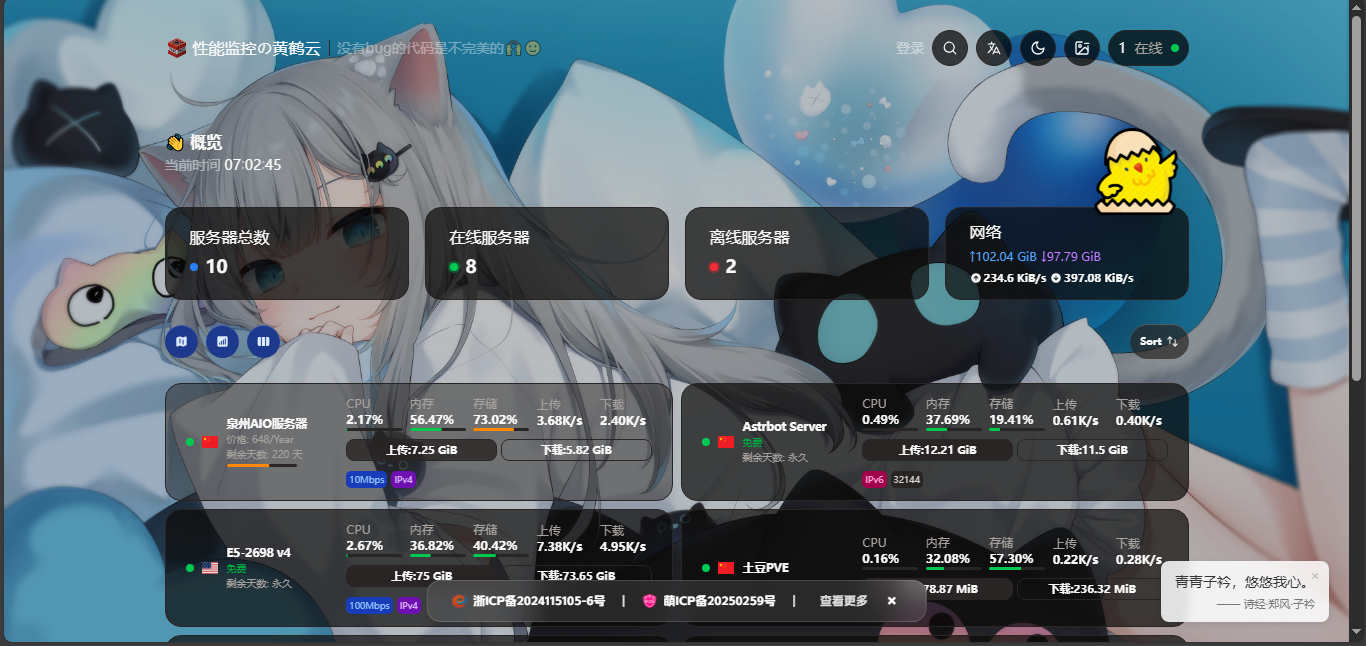
预览
(备案栏是特有的):
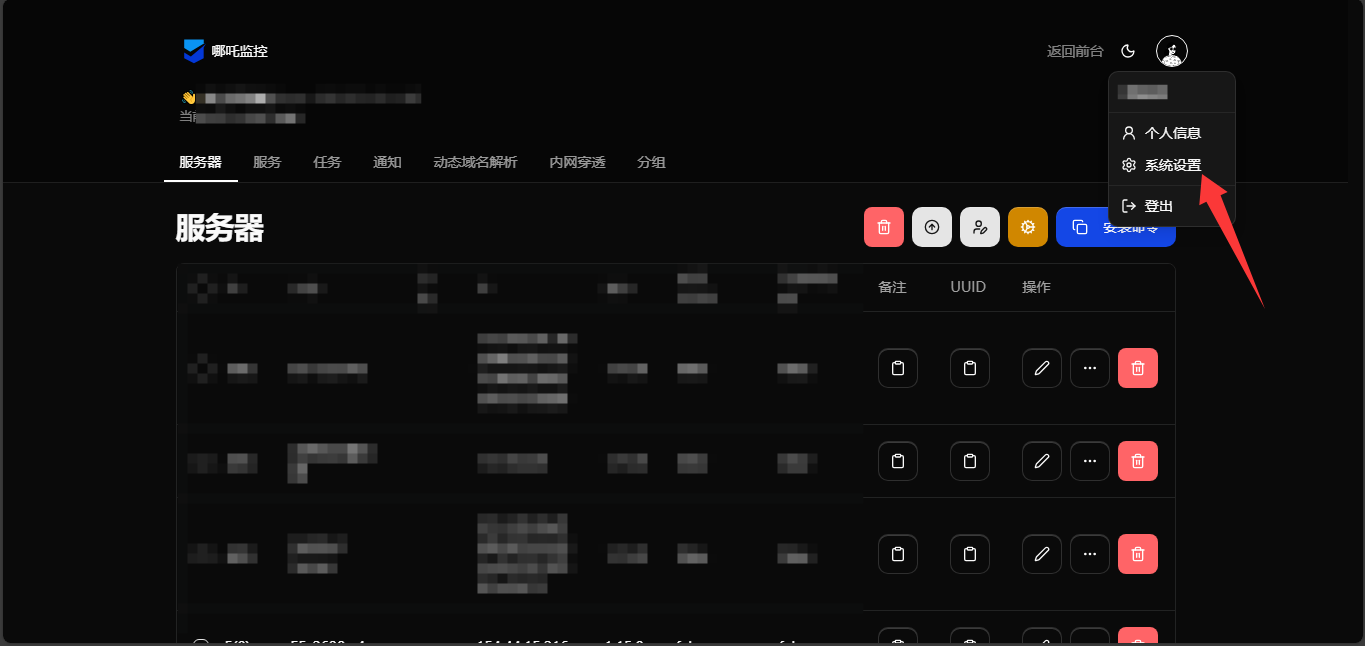
教程
复制代码到
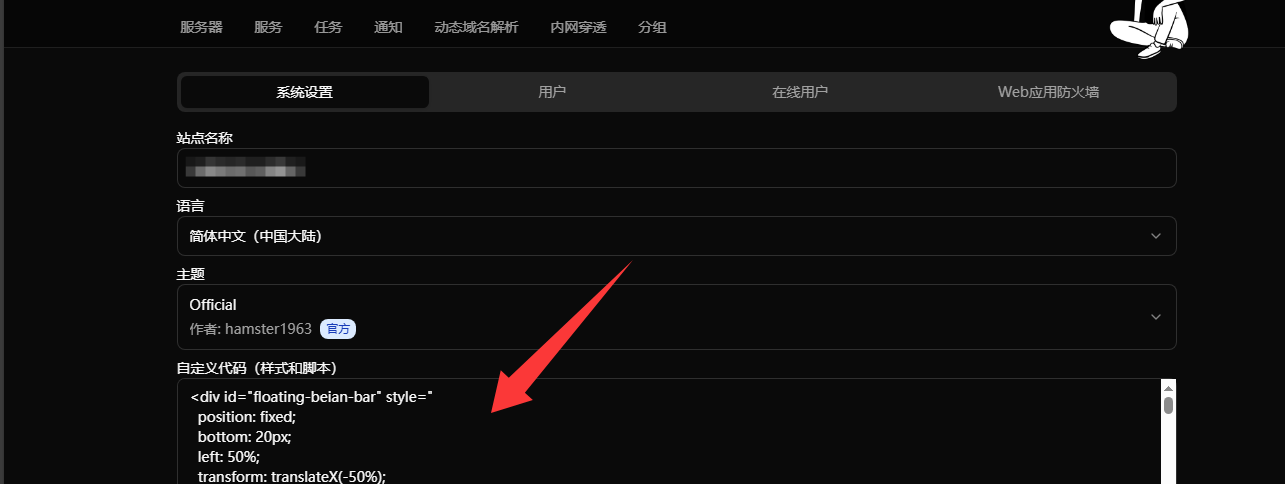
可自行更改
   <script>
        window.CustomLogo = "https://file.wxhfywy.cn/202510051531674.webp";
        window.ShowNetTransfer  = "true"; /* 卡片显示上下行流量 */
        window.DisableAnimatedMan  = "true";    /*  关掉动画人物插图 */
        window.CustomDesc ="没有bug的代码是不完美的🙌🙂"; /* 自定义描述 */
    </script>

 <script>
    window.CustomBackgroundImage="https://file.wxhfywy.cn/api/imgapi.php"; /* 背景图 */
    </script>

<script>
    var observer = new MutationObserver(function(mutationsList, observer) {
        var xpath = "/html/body/div/div/main/div[2]/section[1]/div[4]/div";
        var container = document.evaluate(xpath, document, null, XPathResult.FIRST_ORDERED_NODE_TYPE, null).singleNodeValue;

        if (container) {
            observer.disconnect();
            var existingImg = container.querySelector("img");
            if (existingImg) {
                container.removeChild(existingImg);
            }
            var imgElement = document.createElement("img");
            imgElement.src = "https://file.wxhfywy.cn/202510051522800.webp";
            imgElement.style.position = "absolute";
            imgElement.style.right = "8px";
            imgElement.style.top = "-80px";
            imgElement.style.zIndex = "10";
            imgElement.style.width = "90px";
            container.appendChild(imgElement);
        }
    });
    var config = { childList: true, subtree: true };
    observer.observe(document.body, config);
    </script>
如果要右下角随机一言功能,请添加以下代码
 <style>
    html, body {
      margin: 0;
      padding: 0;
      background: transparent !important;
    }

    #hitokoto-box {
      position: fixed;
      bottom: 20px;
      right: 20px;
      max-width: 260px;
      padding: 12px 14px 10px 14px;
      background: rgba(255, 255, 255, 0.85);
      backdrop-filter: blur(4px);
      border-radius: 8px;
      font-size: 14px;
      color: #333;
      line-height: 1.4;
      word-break: break-word;
      z-index: 10000;
      box-shadow: 0 2px 6px rgba(0, 0, 0, 0.1);
    }

    #close-btn {
      position: absolute;
      top: 6px;
      right: 6px;
      background: none;
      border: none;
      width: 16px;
      height: 16px;
      font-size: 14px;
      color: #999;
      cursor: pointer;
      padding: 0;
      opacity: 0.6;
      transition: opacity 0.2s;
    }

    #close-btn:hover {
      opacity: 1;
    }

    .hitokoto-text {
      margin-bottom: 4px;
    }

    .hitokoto-from {
      font-size: 11px;
      color: #777;
      text-align: right;
      margin-top: 2px;
    }
  </style>
</head>
<body>
  <div id="hitokoto-box" style="display:none;">
    <button id="close-btn">×</button>
    <div class="hitokoto-text" id="text">加载中…</div>
    <div class="hitokoto-from" id="from"></div>
  </div>

  <script>
    const box = document.getElementById('hitokoto-box');
    const textEl = document.getElementById('text');
    const fromEl = document.getElementById('from');
    const closeBtn = document.getElementById('close-btn');

    closeBtn.addEventListener('click', () => {
      box.style.display = 'none';
    });

    fetch('https://v1.hitokoto.cn/')
      .then(res => res.json())
      .then(data => {
        textEl.textContent = data.hitokoto;
        fromEl.textContent = data.from ? `—— ${data.from}` : '';
        box.style.display = 'block';
      })
      .catch(() => {
        textEl.textContent = '心静自然安然。';
        fromEl.textContent = '';
        box.style.display = 'block';
      });
  </script>